What This Covers
How to create add a speaker
✅ Step-by-Step Instructions
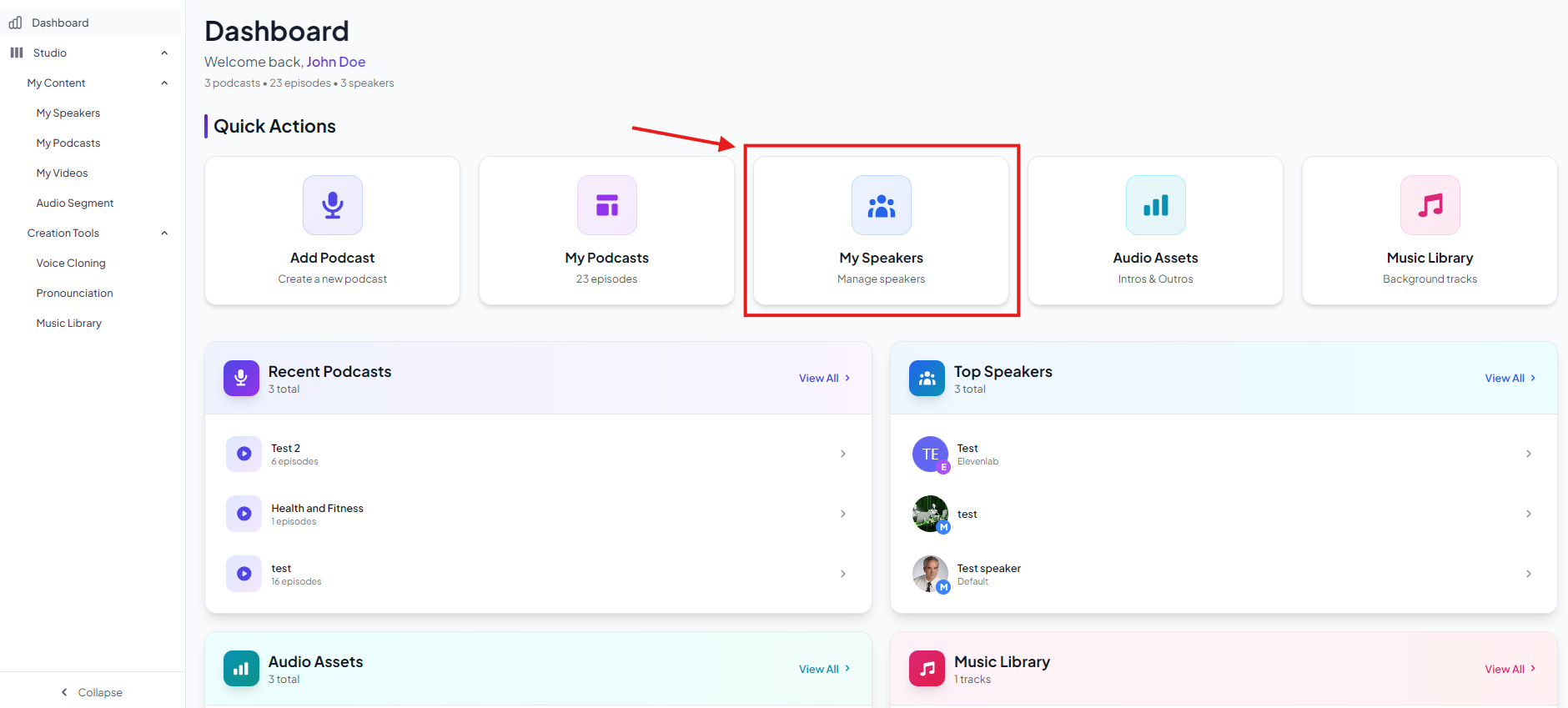
- On the dashboard click on My Speakers
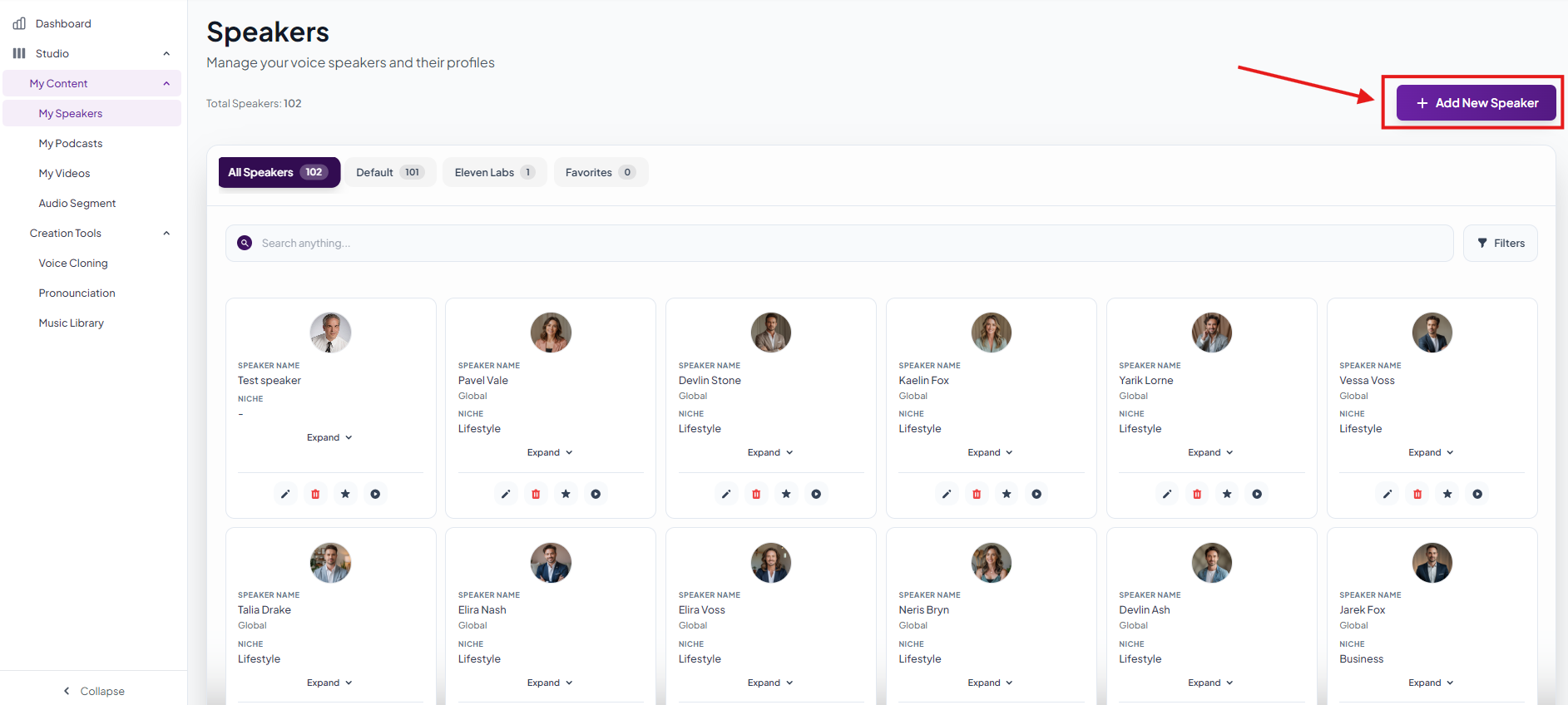
- Click on Add Speaker
- Add a Speaker Name
- Select Niche
- Upload an image or ask AI to generate image.
- Write a shor description about speaker
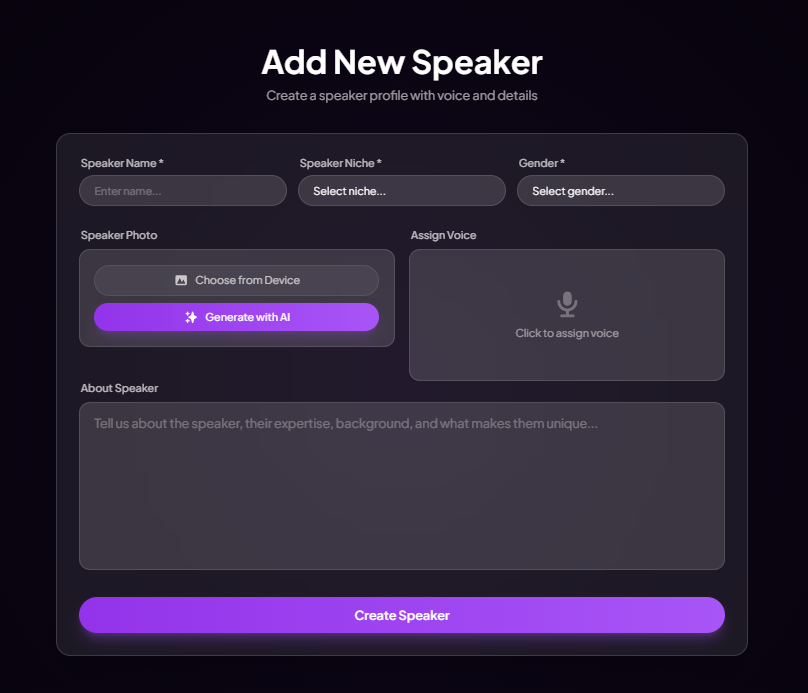
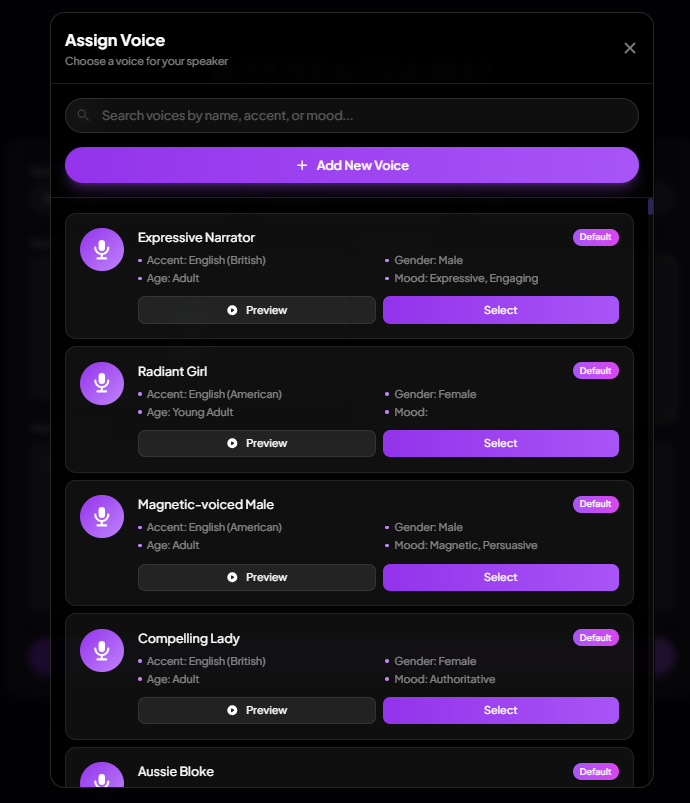
- Click on Assign Voice
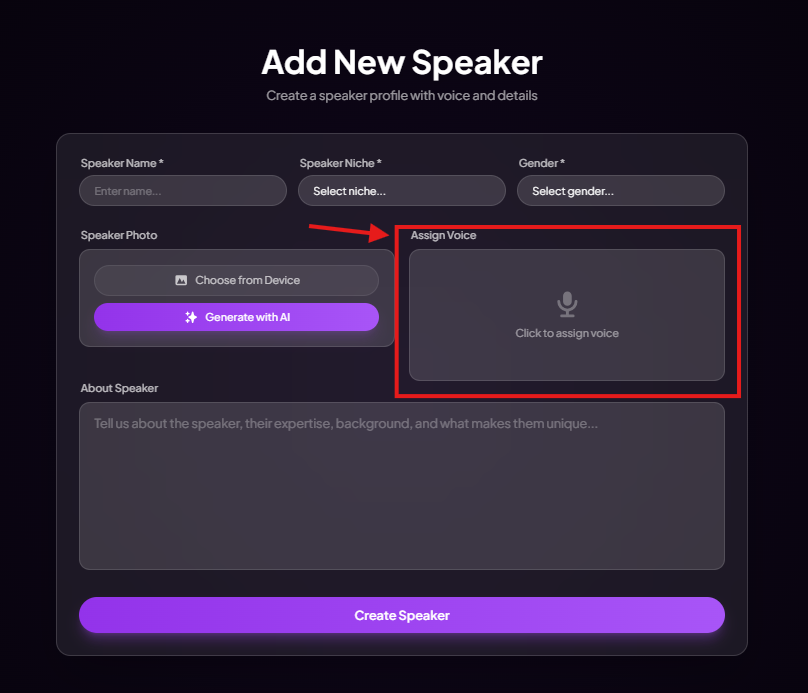
- Assign any of the voice from the available voices
- Click Create Speaker
- Now you can add the speaker to your podcast
Was this article helpful?
That’s Great!
Thank you for your feedback
Sorry! We couldn't be helpful
Thank you for your feedback
Feedback sent
We appreciate your effort and will try to fix the article